> ## Documentation Index
> Fetch the complete documentation index at: https://docs.dogebot.net/llms.txt
> Use this file to discover all available pages before exploring further.
# Welcome to DogeBot
> Everything you need to know about DogeBot, explained step by step.
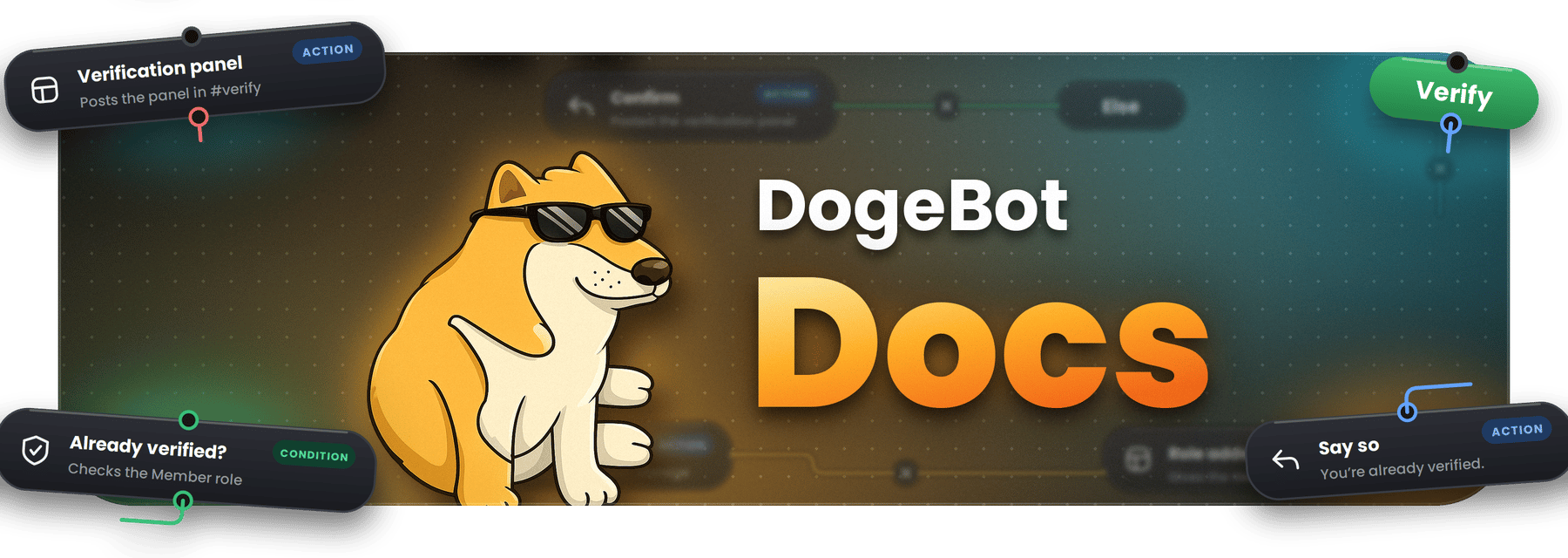 Hi there! This is the DogeBot Help Center.
DogeBot lets you **make your own bot without writing any code**. You build your bot by placing **blocks** on a board and connecting them with lines, a bit like building with LEGO. Each block does one small job, like "send a message" or "give someone a role". When you connect blocks together, your bot follows them one after the other.
You can make bots for **Discord** (for your server) and for **WhatsApp** (for your business or group).
**New here?** Start with [Getting started](/getting-started). It takes about 10 minutes and you will have a working bot at the end.
## Where do you want to go?
Make an account, connect your bot and build your very first command.
What is a block? What is a variable? All the words explained simply.
How to build commands and events with blocks.
Make your bot remember things, like coins, levels and names.
Design picture cards your bot makes by itself.
Build flows for WhatsApp and connect them to your apps.
Add ready-made features to your bot in one click.
Team members, two-step sign-in, passwords and more.
What Free gets, what Premium gets.
## Need help?
If you are stuck, read [Help and questions](/help-and-questions) or ask us in the DogeBot Discord server. We are happy to help!
This documentation is built and hosted on [Mintlify](https://mintlify.com), a developer documentation platform.
Hi there! This is the DogeBot Help Center.
DogeBot lets you **make your own bot without writing any code**. You build your bot by placing **blocks** on a board and connecting them with lines, a bit like building with LEGO. Each block does one small job, like "send a message" or "give someone a role". When you connect blocks together, your bot follows them one after the other.
You can make bots for **Discord** (for your server) and for **WhatsApp** (for your business or group).
**New here?** Start with [Getting started](/getting-started). It takes about 10 minutes and you will have a working bot at the end.
## Where do you want to go?
Make an account, connect your bot and build your very first command.
What is a block? What is a variable? All the words explained simply.
How to build commands and events with blocks.
Make your bot remember things, like coins, levels and names.
Design picture cards your bot makes by itself.
Build flows for WhatsApp and connect them to your apps.
Add ready-made features to your bot in one click.
Team members, two-step sign-in, passwords and more.
What Free gets, what Premium gets.
## Need help?
If you are stuck, read [Help and questions](/help-and-questions) or ask us in the DogeBot Discord server. We are happy to help!
This documentation is built and hosted on [Mintlify](https://mintlify.com), a developer documentation platform.