
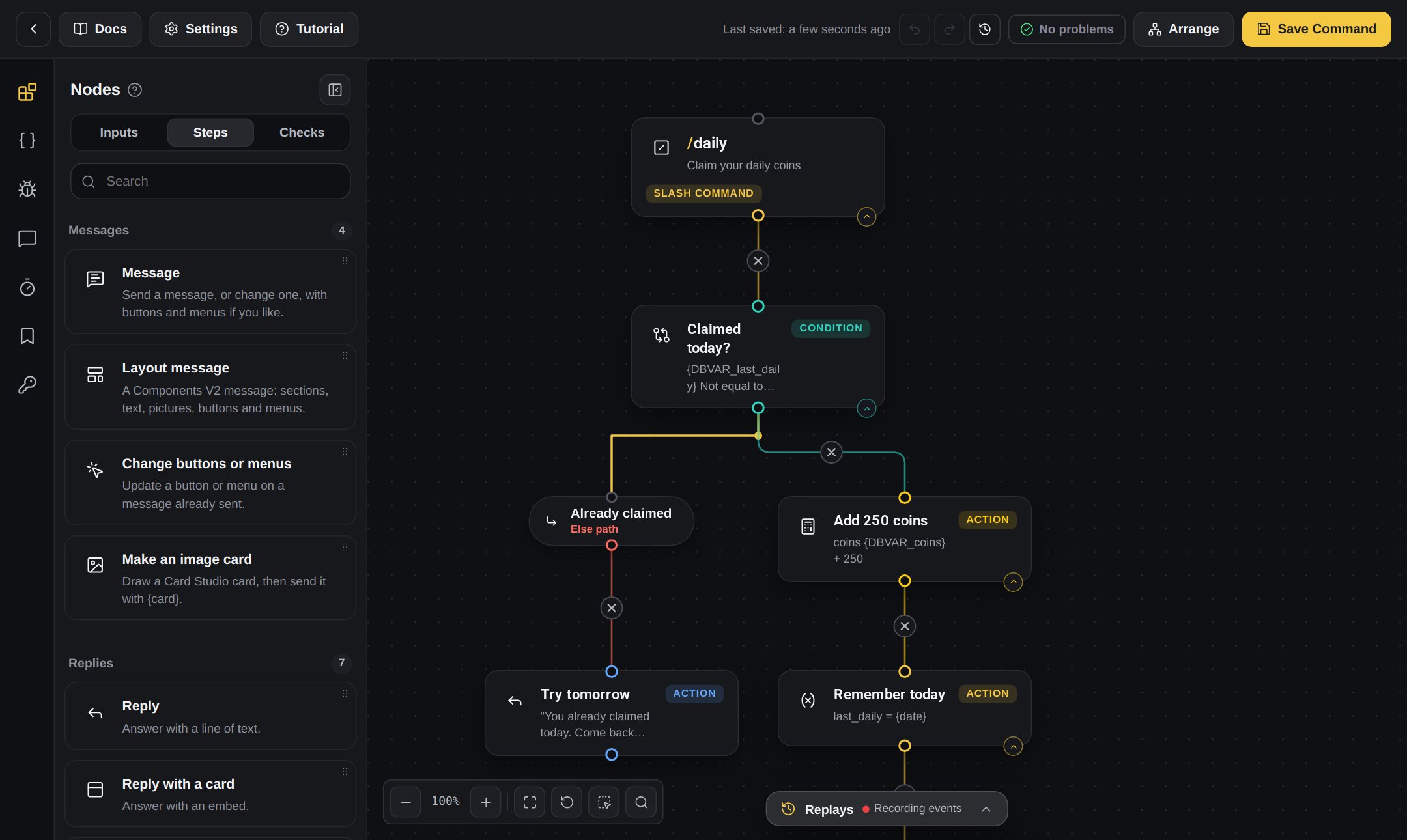
A command in the Command Builder
The builders
Every builder works the same way. Learn it once and you can use them all.
In this section
How blocks work
The board, the blocks, the lines and every button.
Your first command
Build a /ping command that answers Pong!
Commands and inputs
Slash commands, right-click commands and Inputs.
Events
Make your bot react to things that happen.
Checks and paths
Ask a question and go one way or the other.
Messages, buttons and menus
Send messages with buttons and select menus.
Pop-up forms
Ask people to fill in a form, then use their answers.
Repeats and waiting
Repeat blocks, stop repeating, and pause.
Web requests
Get data from other websites.
Saving and fixing problems
Save your work, find problems and fix them.
Folders, history and sharing
Folders, share codes, Import JSON and version history.
Timed events
Run blocks by themselves on a clock.
Tips and shortcuts
Work faster in the builder.