
Example
Your favourite YouTuber uploads a new video. Your bot posts in #videos: “New video is out! Go watch it!”
The three alerts
Set up an alert
1
Choose who to watch
Open Integrations in the sidebar and choose who to watch.
2
Make an event
Open Events and press New event. Pick the alert you want, like When a YouTube channel uploads a video. Type
youtube in Search events to find it fast.3
Add a message
Add a message block that posts in the channel you want.
4
Save and switch it on
Press Save. Make sure the event is switched on in your Events list.
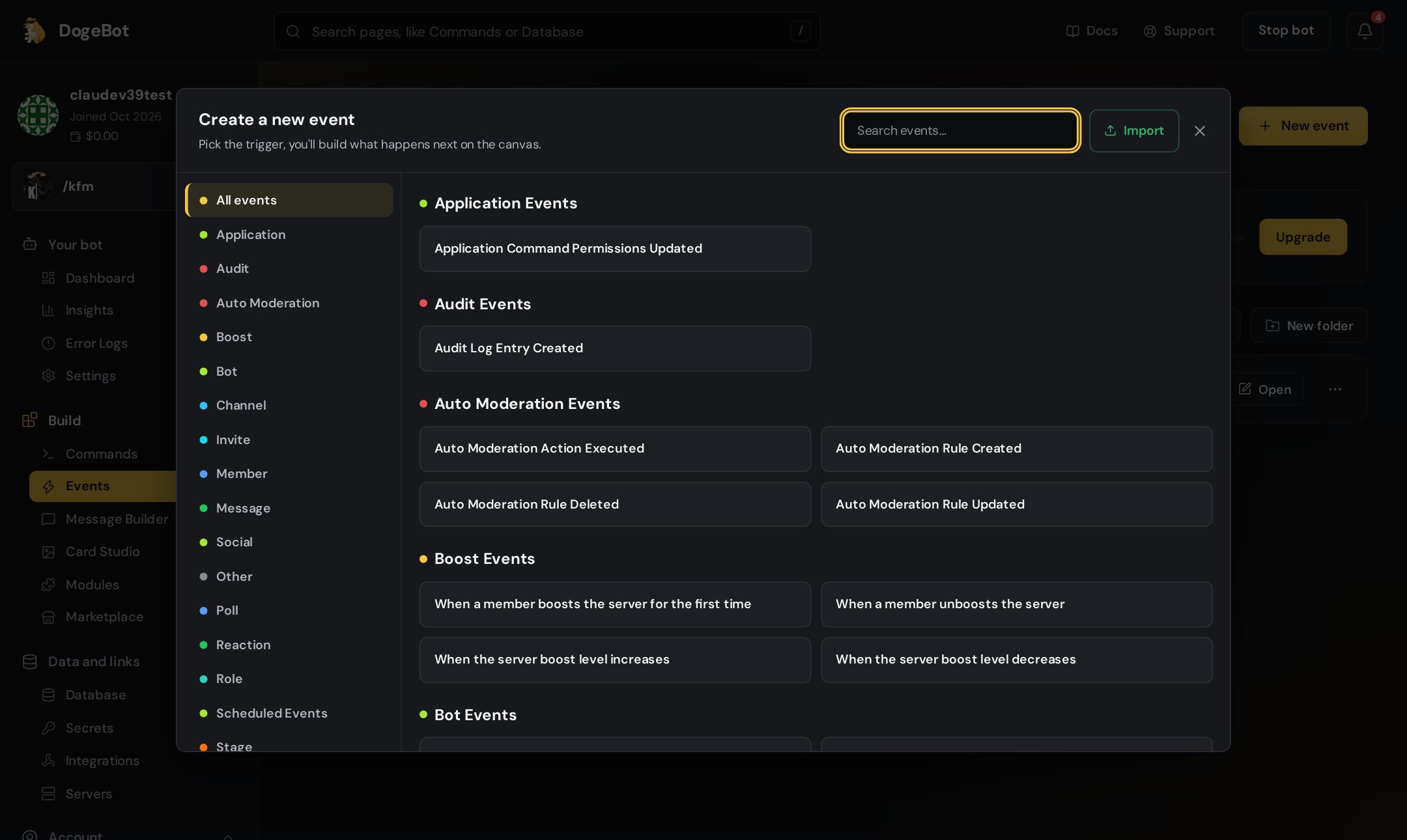
Pick the alert in the event list. Search makes it quick.
Show details in your message
Each alert gives you values about the new post, which you can put in your message. In a block inside the alert event, press the{ } button next to a box to pick them from the list.