
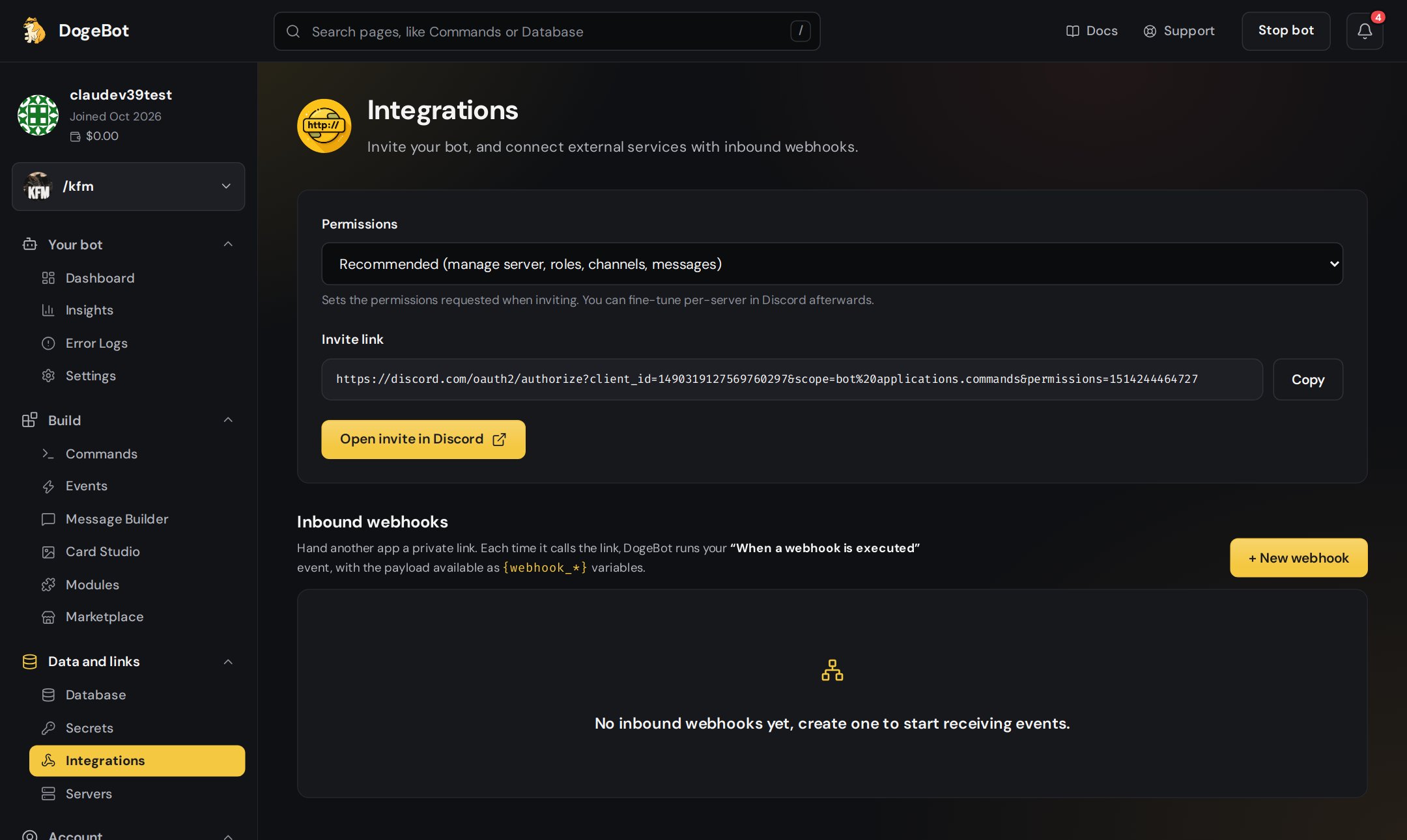
The Integrations page.
What’s on the Integrations page
Your bot's invite link
Your bot's invite link
The invite link adds your bot to a server.See Invite your bot to your server.
1
Copy the link
Copy the invite link on the Integrations page.
2
Open it
Open it in your browser and pick a server.
3
Authorize
Press Authorize. You need the Manage Server permission in that server.
Inbound webhooks
Inbound webhooks
Special web addresses that let other apps start your bot. See Inbound webhooks.
In this section
Inbound webhooks
Let a shop, a form or Zapier start your bot.
YouTube, Twitch and TikTok alerts
Post when someone uploads or goes live.
Secrets
Keep passwords and API keys safe.
Using a WhatsApp number? WhatsApp has its own page for this, called Apps and services. See Apps and services.