
1
Press Start
At the top of your dashboard there is a Start bot button. Click it.
2
Wait a few seconds
DogeBot wakes your bot up. After a few seconds the dashboard shows a green dot and the word Online.
3
Look in Discord
Your bot now has a green dot in Discord too. It’s awake and listening!
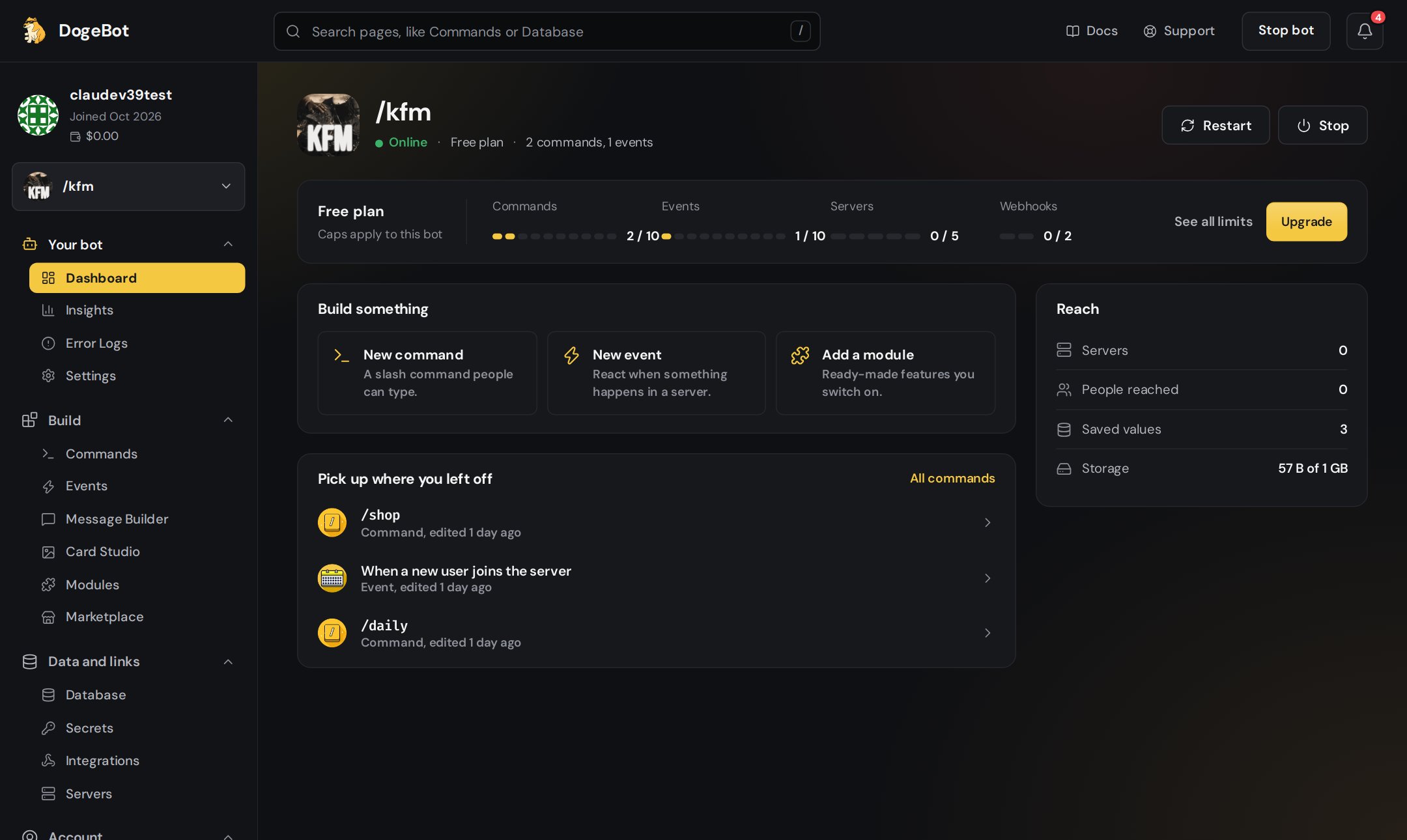
Your bot on the Dashboard page, with its power buttons
Start, Stop and Restart
If your bot is offline, the dashboard tells you that your commands, events and modules won’t answer until it runs. It offers a Start bot button right there.
Your bot keeps running even when you close dogebot.net or turn off your computer. DogeBot runs it for you, all day and all night.
Your bot is alive! Now take a tour of the dashboard, then build your first command.