
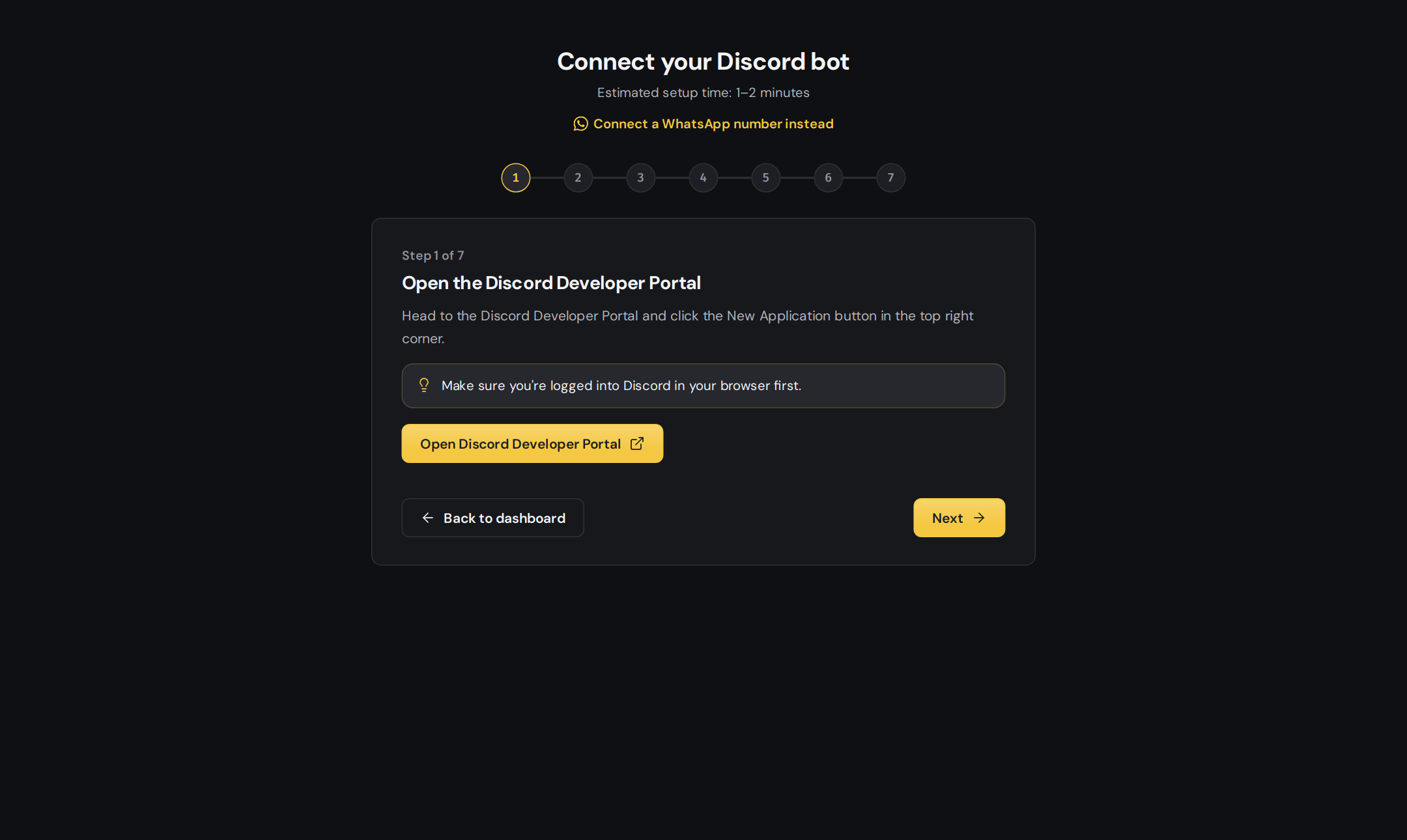
Connecting a Discord bot to DogeBot
1
Open Connect a bot
On dogebot.net, go to your dashboard. If you don’t have a bot yet, DogeBot takes you to Connect a bot by itself.Already have a bot? Open the bot picker at the top of the sidebar and press + Discord bot.
2
Pick Discord
Choose Discord. (For WhatsApp, see Connect a WhatsApp number.)
3
Paste the token
Paste the token you copied from the Developer Portal into the box. DogeBot checks it and shows your bot’s name and picture.
4
Confirm the three switches
DogeBot reminds you about the three Privileged Intents. If you already turned them on, tick the box and continue.
5
Done!
Your bot now appears in your dashboard. DogeBot keeps the token locked away safely, so you never need to paste it again (unless you reset it).
Got a new token? If you reset the token on Discord, paste the new one under Settings, Access Token in DogeBot.