
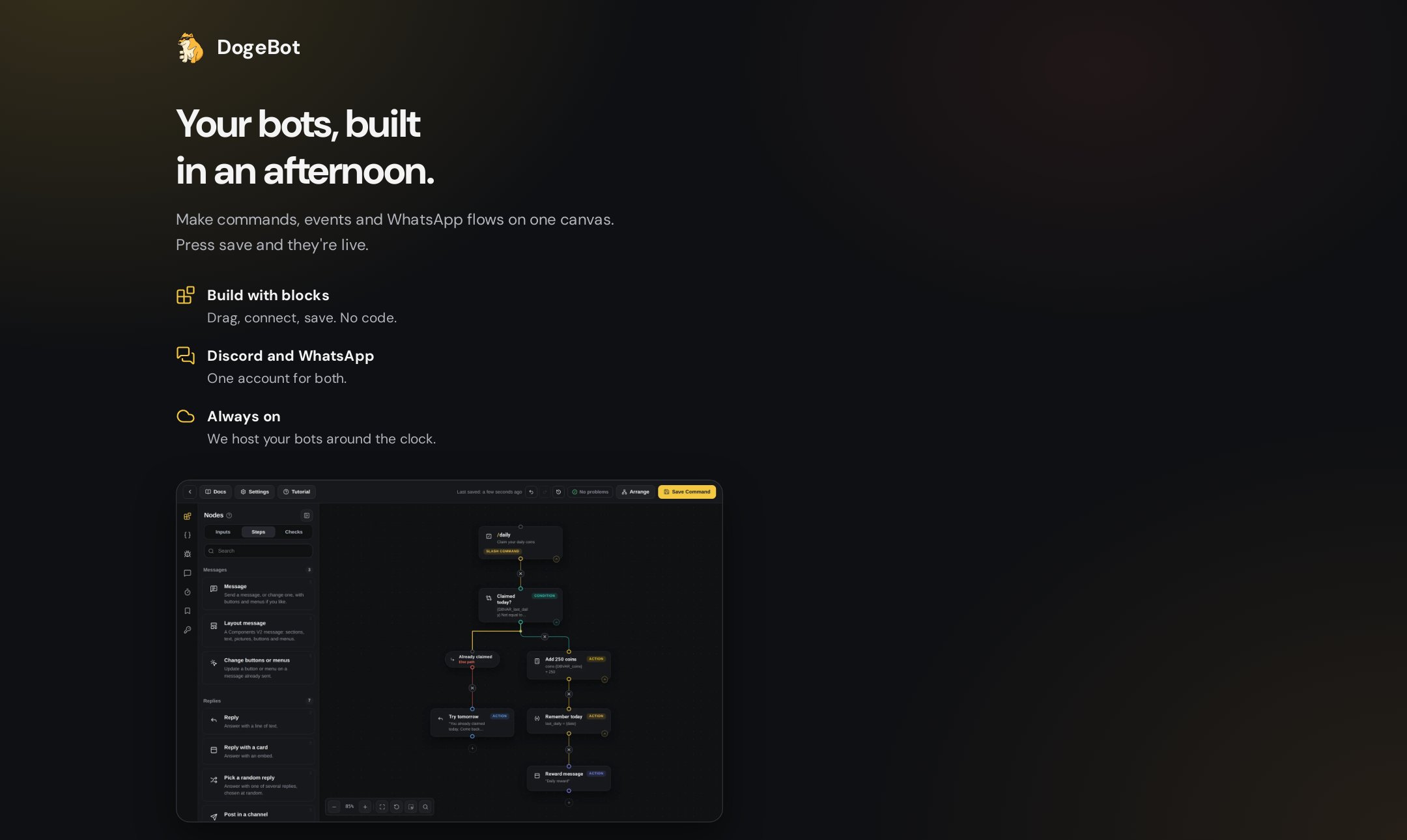
The DogeBot sign up page
1
Go to dogebot.net
Open dogebot.net in your browser and click Sign up.
2
Pick how you want to sign in
- Google
- Discord
- Email and password
One click if you have a Google account. Press the button and say yes on the page that opens.
3
Check your email
If you used email, DogeBot sends you a message. Open it and click the link to show it’s really you.
4
Pick what you want to build
DogeBot asks what you want to build. Pick one:
- Discord: a bot for your Discord server.
- WhatsApp: a bot for a WhatsApp number.
- Both: you want to do both.
You’re in! You now see your dashboard. Next: make a Discord bot. Building for WhatsApp? Go to Connect a WhatsApp number.
Keep your account safe: once you’re in, turn on two-step sign-in under Account, Security. Then nobody can get in with just your password. See Your account and security.