
What you need
A Facebook account
To sign in to Meta.
A Meta developer app
It is free. Add WhatsApp to it. Meta gives you a free test number to start with.
A phone number (later)
For real customers. It must be able to get a text or a call.
How to connect
1
Open the bot picker
In your dashboard, open the bot picker at the top of the sidebar and press + WhatsApp number.On the page for connecting a Discord bot, there is also a Connect a WhatsApp number instead link.
2
Follow the Connect guide
DogeBot shows a step-by-step Connect guide. It tells you exactly what to press on Meta’s pages.
3
Copy two values from Meta into DogeBot
The guide asks you to copy two values from your Meta app and paste them into DogeBot. DogeBot checks them with WhatsApp straight away.
4
Copy two values from DogeBot into Meta
DogeBot now shows a callback link and a verify token. Paste both into the webhook settings of your Meta app. When Meta checks the link, DogeBot tells you it worked.
5
Register your number
In the Registration box, make up a 6-digit PIN and press Register number. The status changes from Pending on WhatsApp to Registered on WhatsApp.You find the Registration box on the last step, and later under Settings.
6
Add test people (test number only)
While you use Meta’s test number, only phone numbers you add as test recipients in your Meta app can talk to your bot. Add your own phone there to try it.
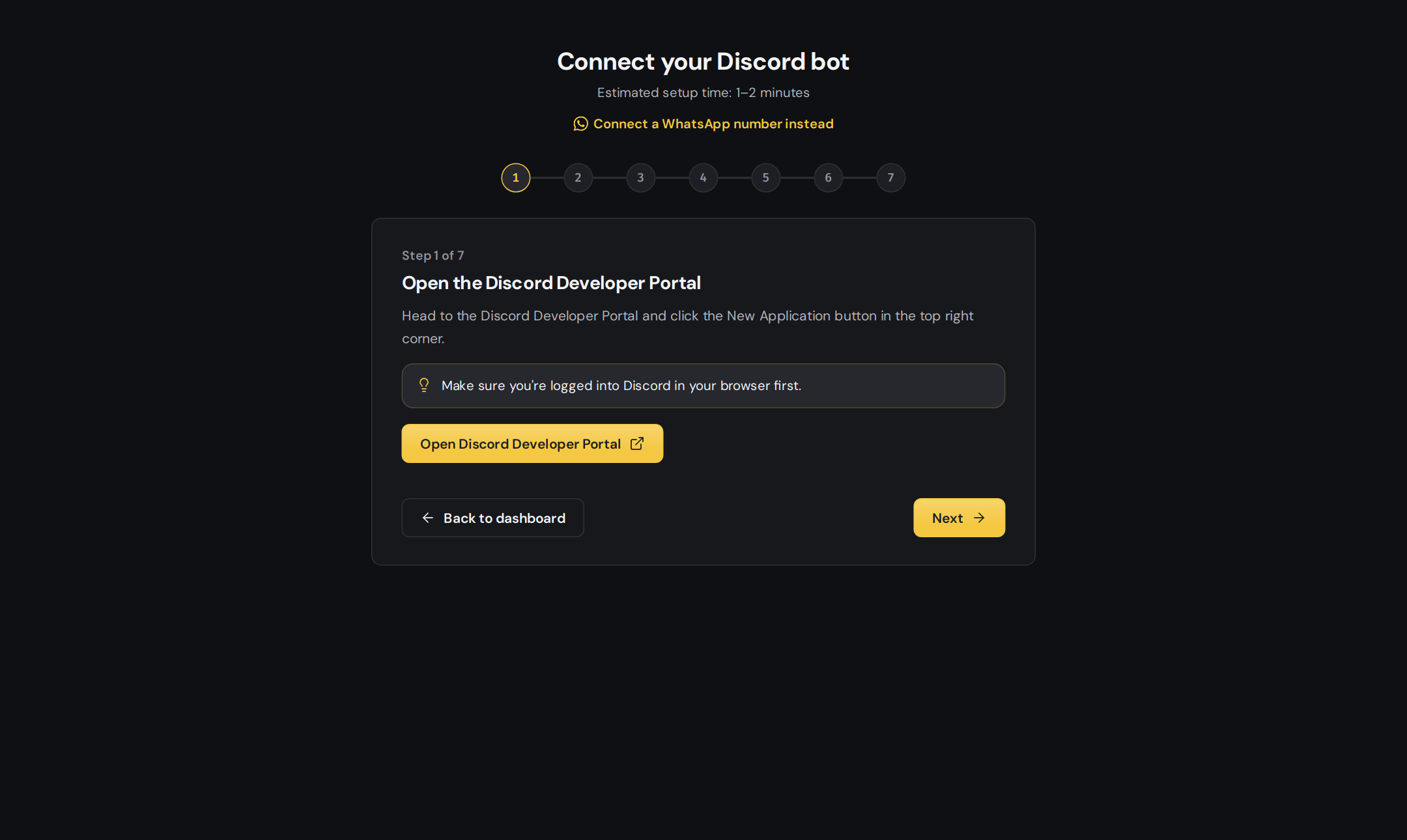
The Connect page. Use the WhatsApp link if you want to connect a WhatsApp number.
Every new WhatsApp number gets a 7-day Premium trial, so you can try every feature.
Meta may charge for some kinds of WhatsApp conversations. Check Meta’s WhatsApp pricing page for your country.
Only building for WhatsApp?
When you sign up, DogeBot asks What do you want to build? You can pick Discord bots, WhatsApp bots or Both. Change it later under Account, then What you build.Next
Flows and triggers
Make your first flow.