
Example
Your shop gets a new order. It sends the order to your webhook address. Your bot posts in #orders: “A new order came in!”
Make a webhook
1
Open Integrations
Open Integrations in the sidebar and make a new inbound webhook.
2
Pick the protection
- API key (recommended)
The other app must send your key in its Authorization header. Strangers cannot use your address.
3
Copy the address and key
When it is ready you see the POST address and the API key.
4
Connect the other app
Paste the address (and the key) into the other app. The Code tab has ready examples in cURL, JavaScript, Node.js and Python.
5
Make an event that listens
Make an event with the trigger When a webhook is executed. Add the blocks you want, like a message in #orders. See Bot, alerts and other events.
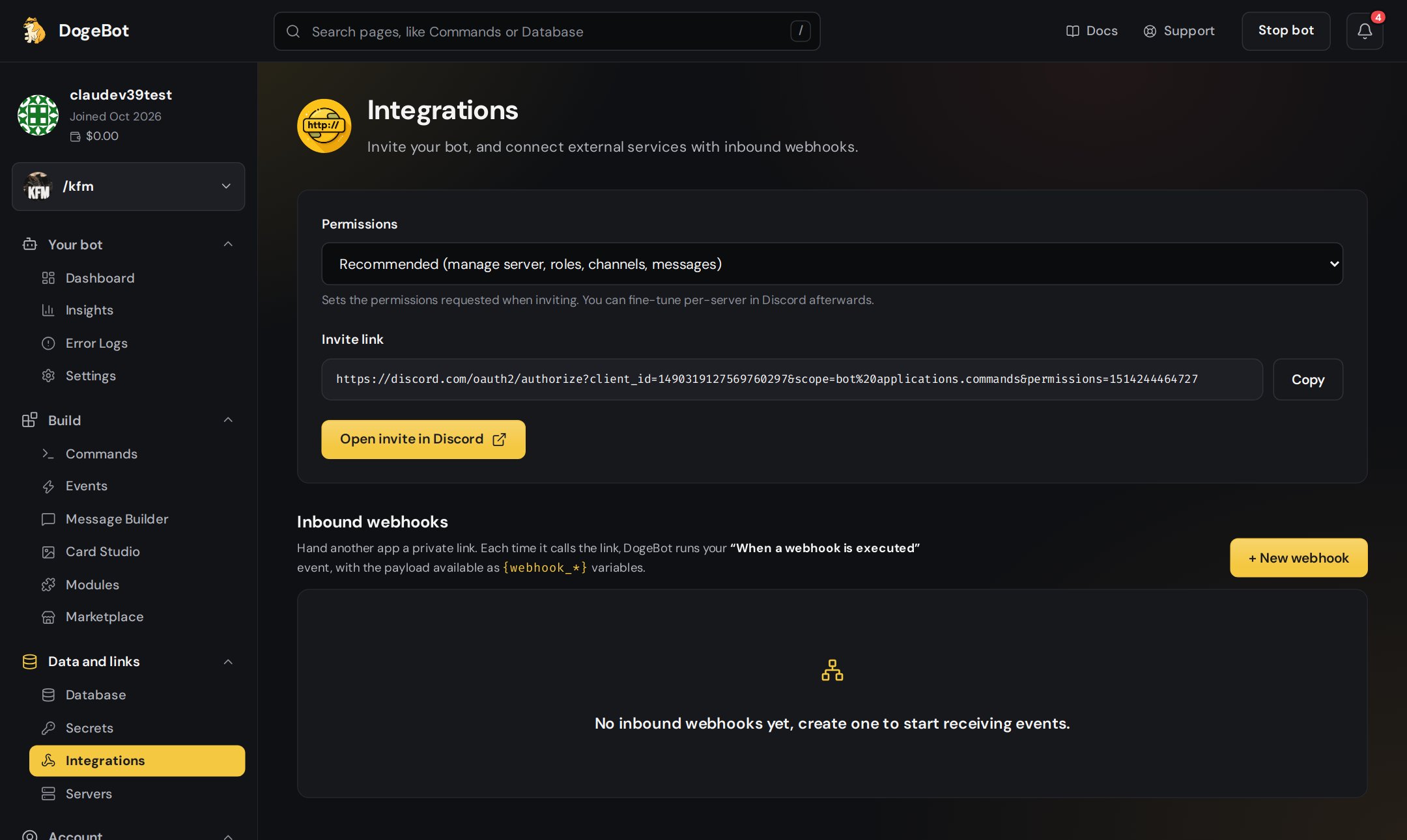
Make inbound webhooks on the Integrations page.
Using the data
Everything the other app sends arrives as variables that start withwebhook_. The Variables tab of your webhook shows the values you can use in your blocks.
The webhook tabs
Limits
On the Free plan, the number of webhooks is limited. See Premium and plans.For WhatsApp numbers, the same idea is called Web addresses that start flows, on the Apps and services page. See Apps and services.