
Example
You type:
Hi {wa_name}!Sam writes to your number. The bot sends: Hi Sam!How to add a variable
In a block, press the{ } Variables button next to a box and pick one from the list. In a WhatsApp flow, the list only shows values that work on WhatsApp: WhatsApp, time, text, maths and logic values. Nothing from Discord shows up, like members, servers, channels or roles.
The customer and their message
wa_name: the customer's name
wa_name: the customer's name
{wa_name} is the customer’s WhatsApp profile name.wa_from: the customer's number
wa_from: the customer's number
{wa_from} is the phone number of the person who wrote to you.wa_text: what they wrote
wa_text: what they wrote
{wa_text} is the text of the message the customer sent.There are a few more
wa_ values. Open the { } Variables list in the builder to see them all.Values from other apps
hook_: data from a web address
hook_: data from a web address
When a flow starts with When a web request arrives, every field the other app sends becomes a variable that starts with Set Send messages to to
hook_. Swap the part after hook_ for the field’s name.{hook_phone}, so the message goes to the right person. See Apps and services.app_reply: the answer from Send to an app
app_reply: the answer from Send to an app
After a Send to an app block, the other app’s answer is in
{app_reply}.Your own variables
You can make your own variables on the Database page of your number, and use them in flows. The Database page has WhatsApp ideas like customer name, orders, cart and loyalty points. Use Look up a contact to see one customer’s saved values.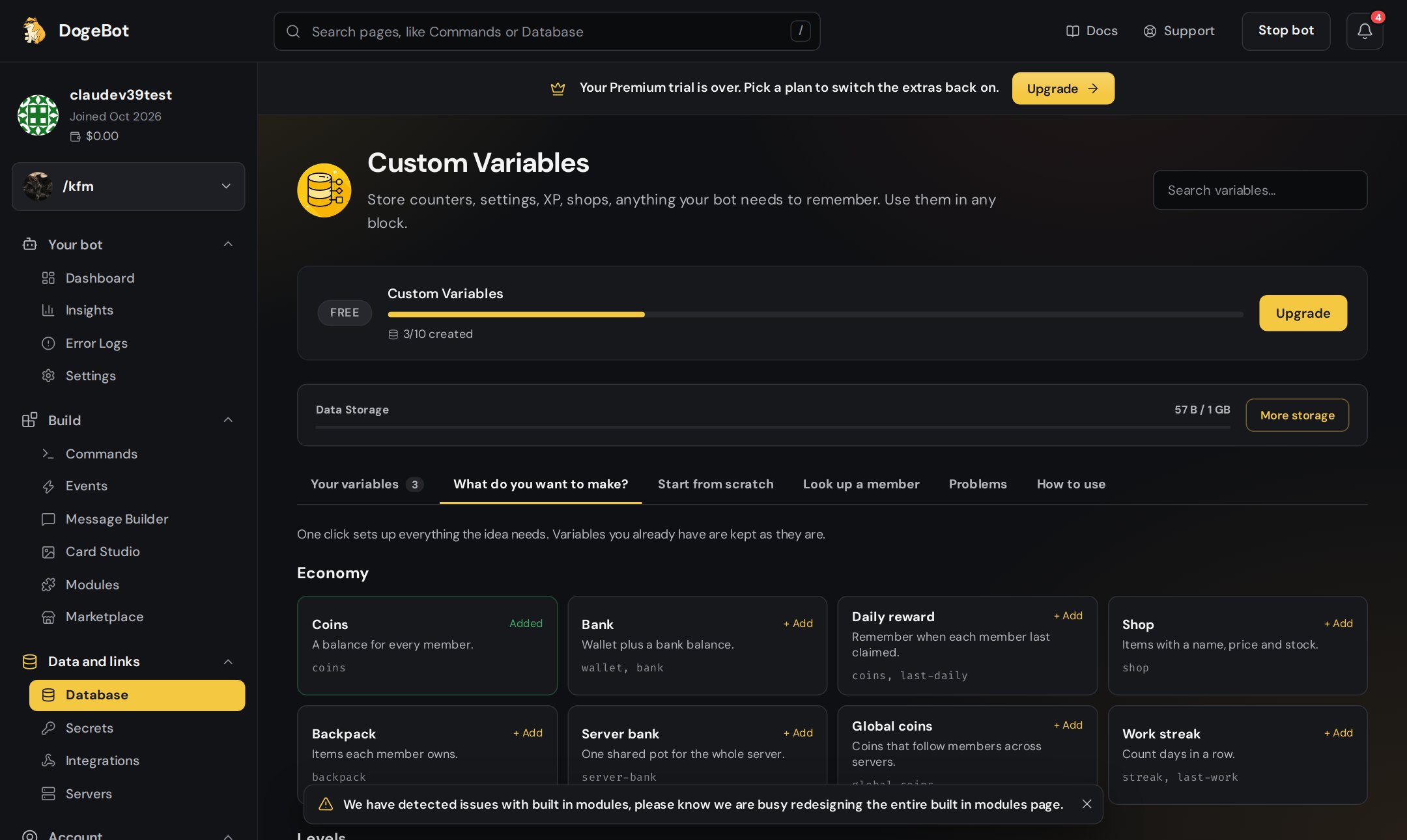
The Database page has ideas to start from.
Backup values
A backup value is used when a variable is missing or empty. Put a| after the name, then the backup.
- The backup is used when the variable is missing, does not exist, or comes out blank.
- A profile name with no letters you can see counts as empty.
- The builder’s chat preview shows backups too.
- Secrets never use a backup value.