
1
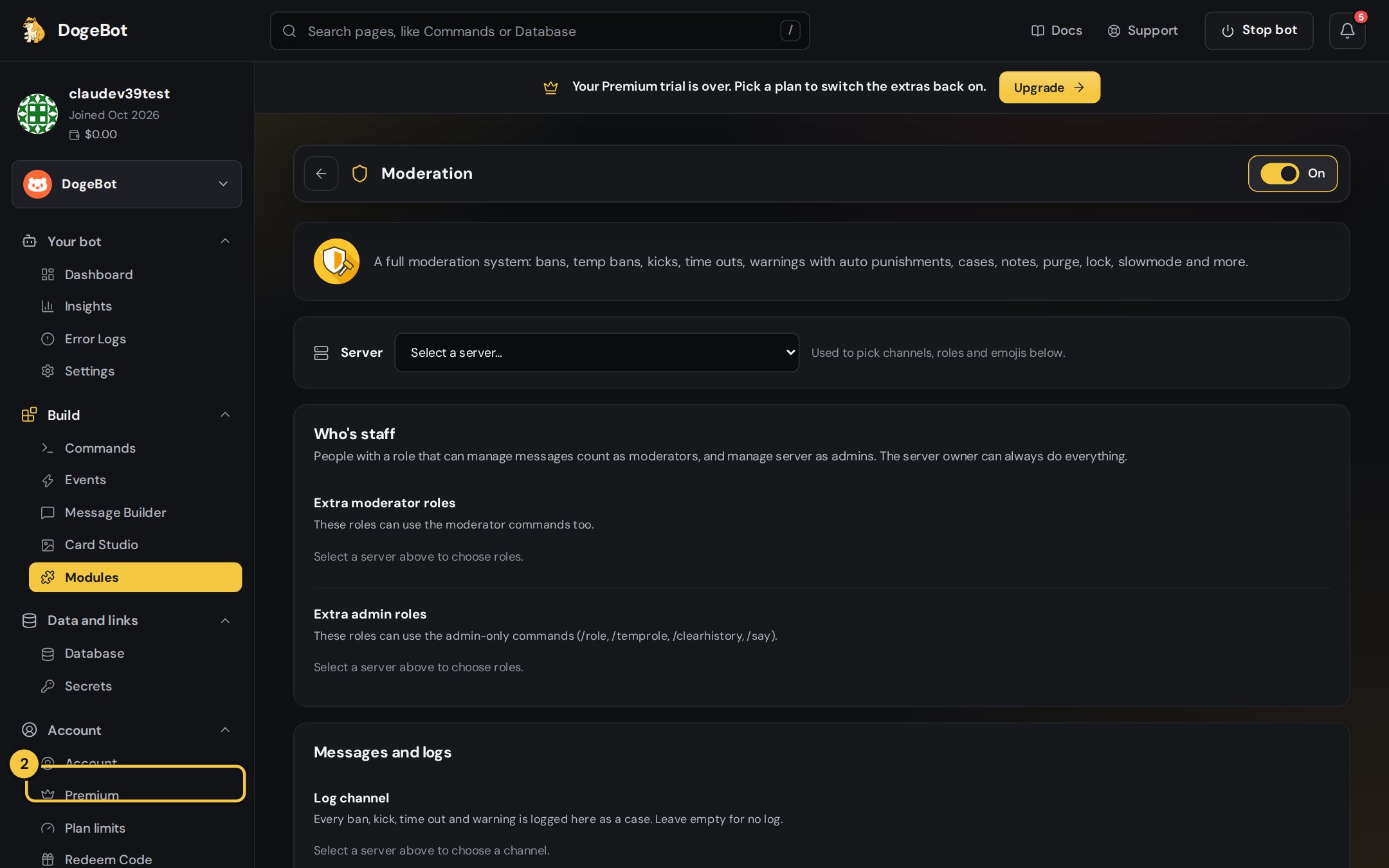
1. On or off
Switch the module on. Its commands appear in Yapin’s
/ menu.2
2. Server
Pick the server, so channels and roles can be chosen below.
3
3. Who's staff
People with a role that can manage messages are moderators, manage server are admins, and the server owner can do everything. Add extra moderator or admin roles here.
1
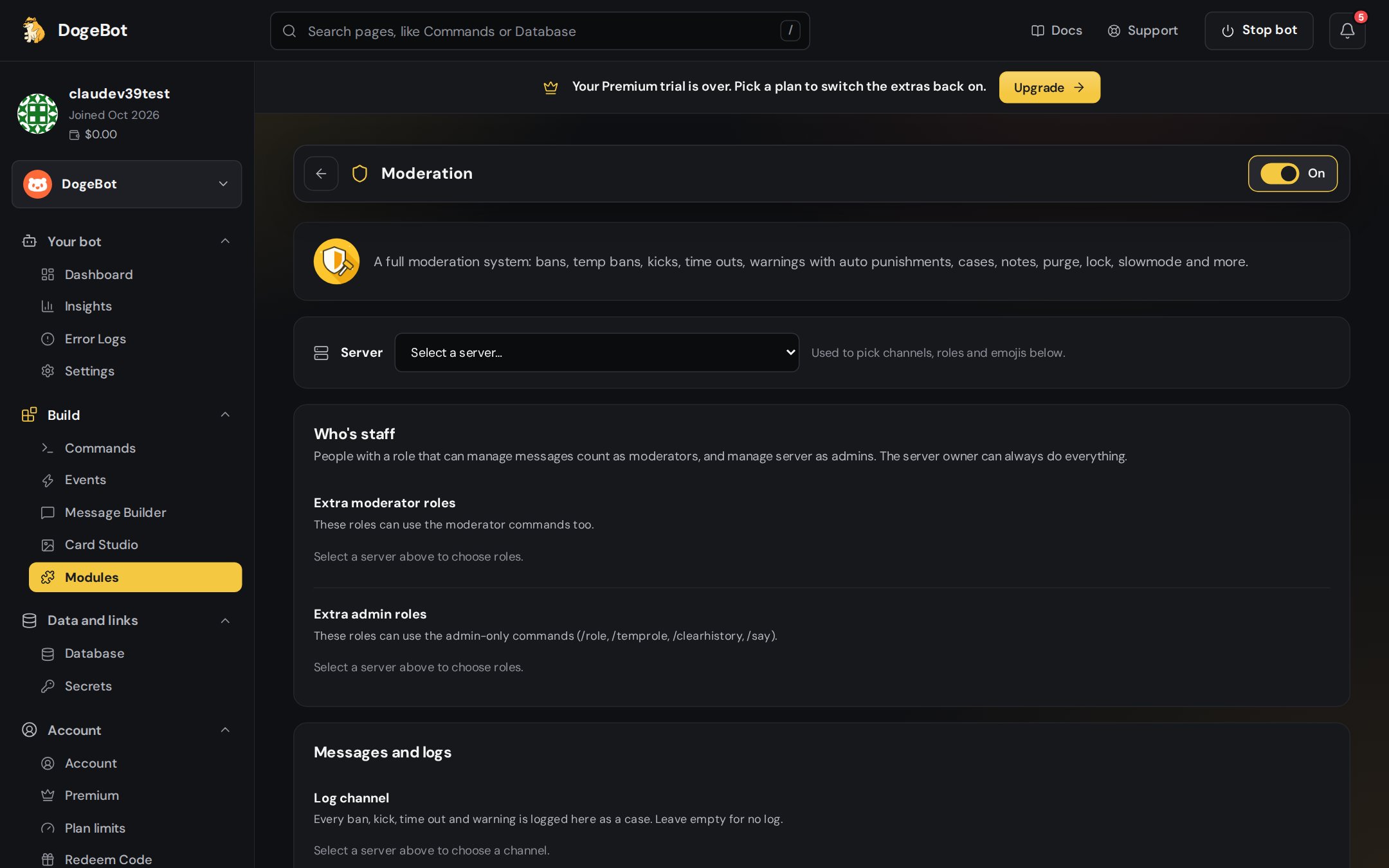
1. Log channel
Every ban, kick, time out and warning is posted here as a numbered case.
2
2. DM members
Tells the member what happened and why, before a kick or ban while they can still be reached.
3
3. Automatic punishment
When someone reaches a number of warnings: a time out, kick or ban.
Commands
Times are written like
30s, 10m, 2h, 1d, 1w or combined: 1h30m. Typing a command on its own shows how to use it.
How it keeps things fair
- Nobody can act on themselves, the bot, the server owner, or someone with the same or a higher role.
- Every punishment becomes a case with a number, the moderator, the reason and the time.
- Temporary bans and roles end on their own.
- Each punishment has its own colour and icon in its embed: 🔨 ban, ⏳ temp ban, 👢 kick, 🔇 time out, ⚠️ warning, 🔓 unban.